A look around Blobs
From your first welcome to following a source, see where things live.
These screens come from the 0.4.0 build on an Android 16 emulator, in Light appearance. The 0.5.0 release, which is what you download today, runs the same flow on a physical Android phone. Screens show the interface; model recommendations, storage, and saved collections depend on your phone. Tap a screenshot to see it at a comfortable reading size.
A gentle start
Choose a model that fits, then head into chat. Add the starter library or other collections when you want local sources.
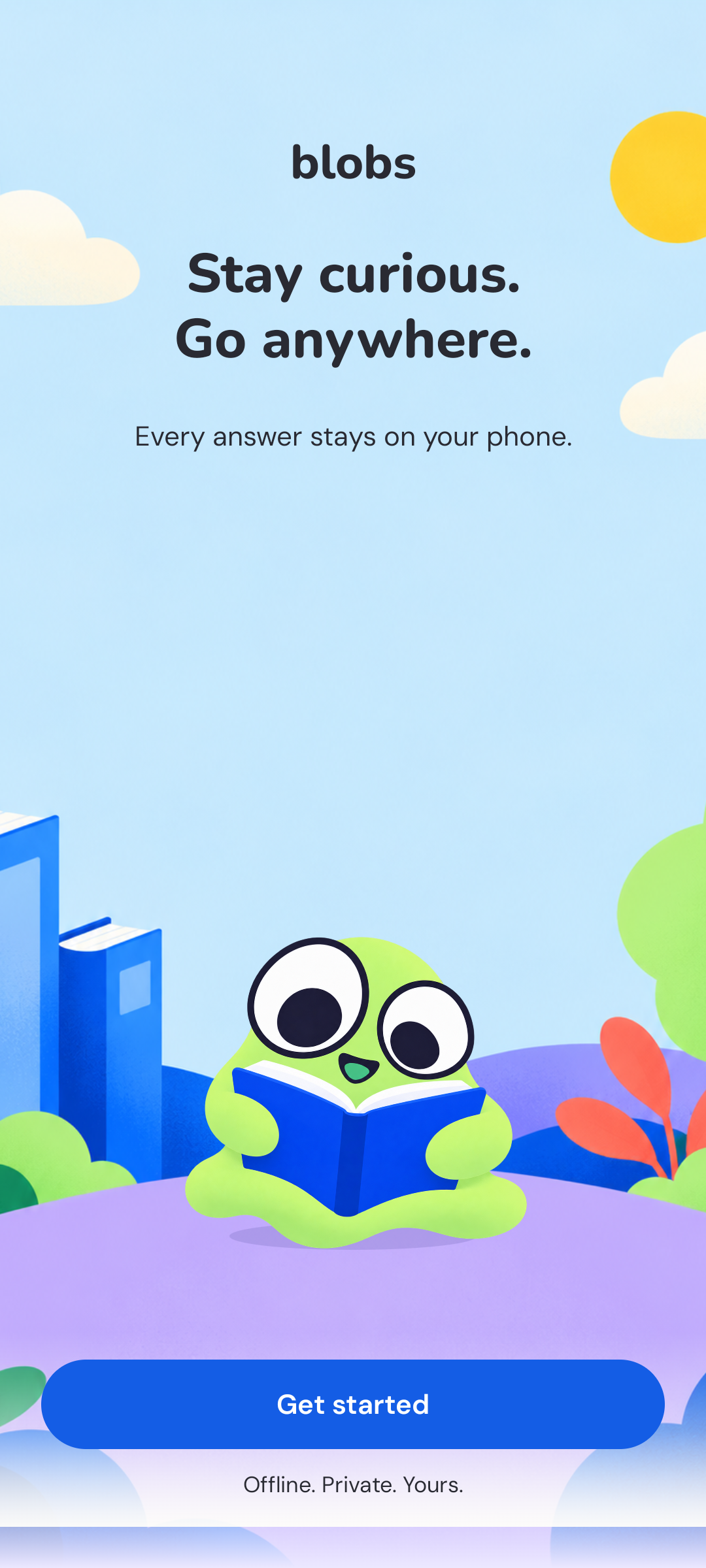
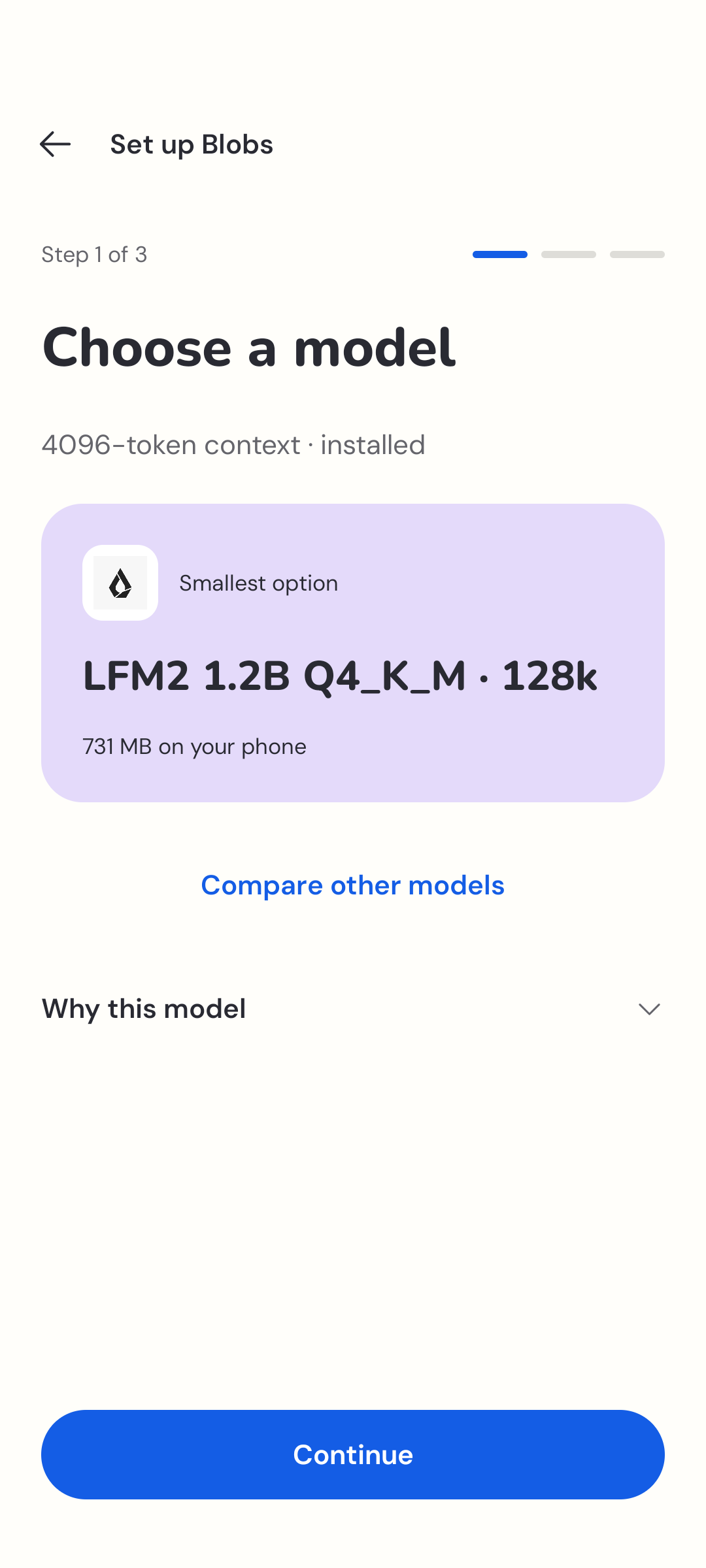
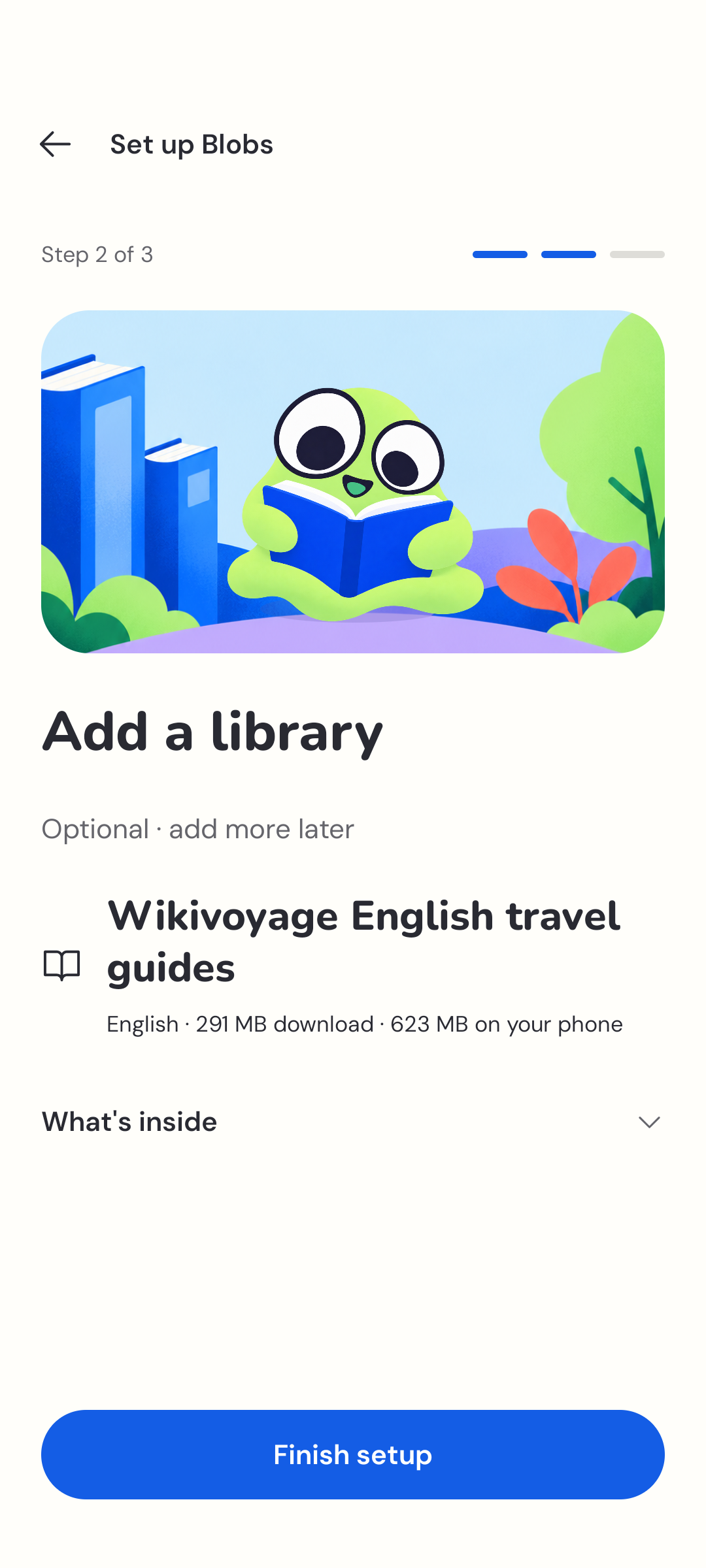
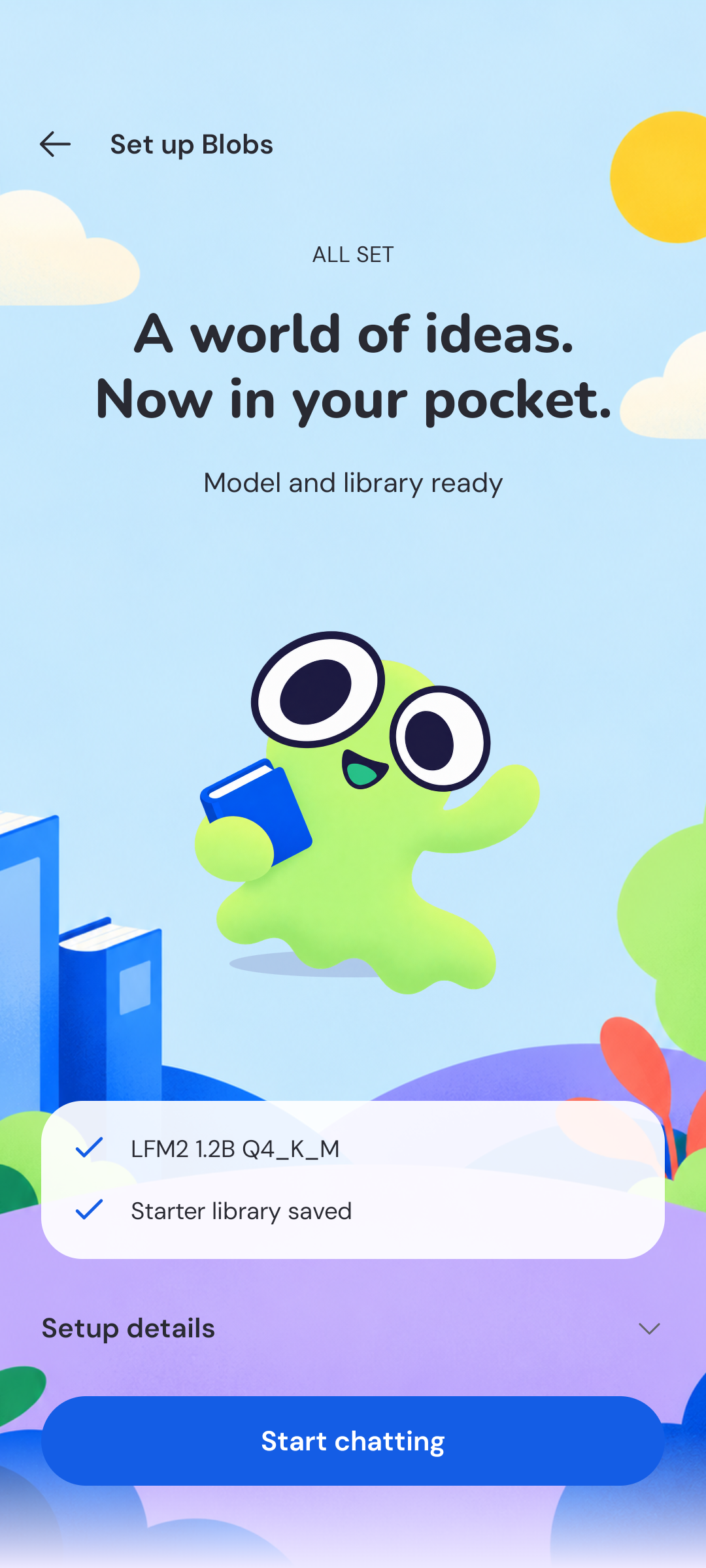
Follow the setup guide for each step.
Your next question
The composer keeps your model and source selection close to the question. When you want to look beyond an answer, open its numbered citation and read the source inside Blobs.
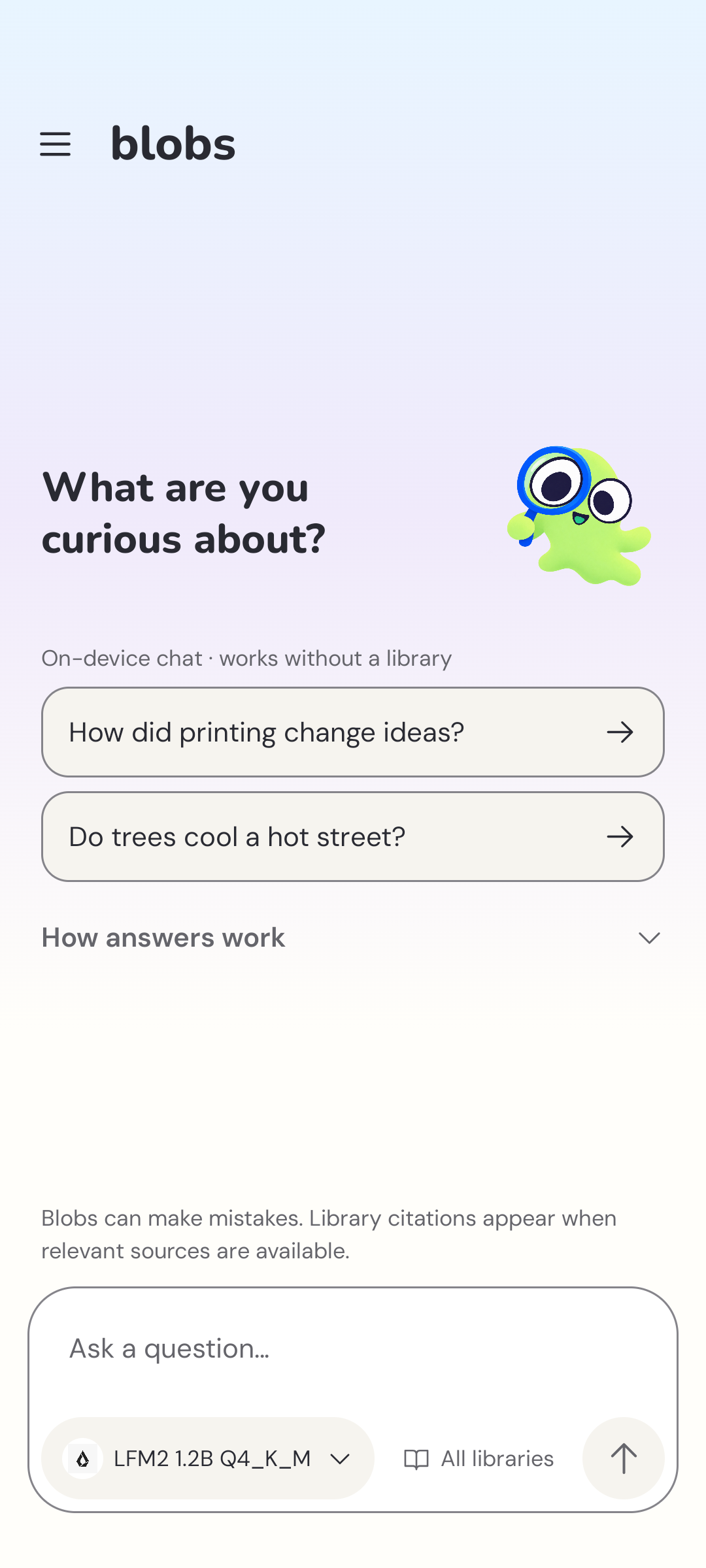
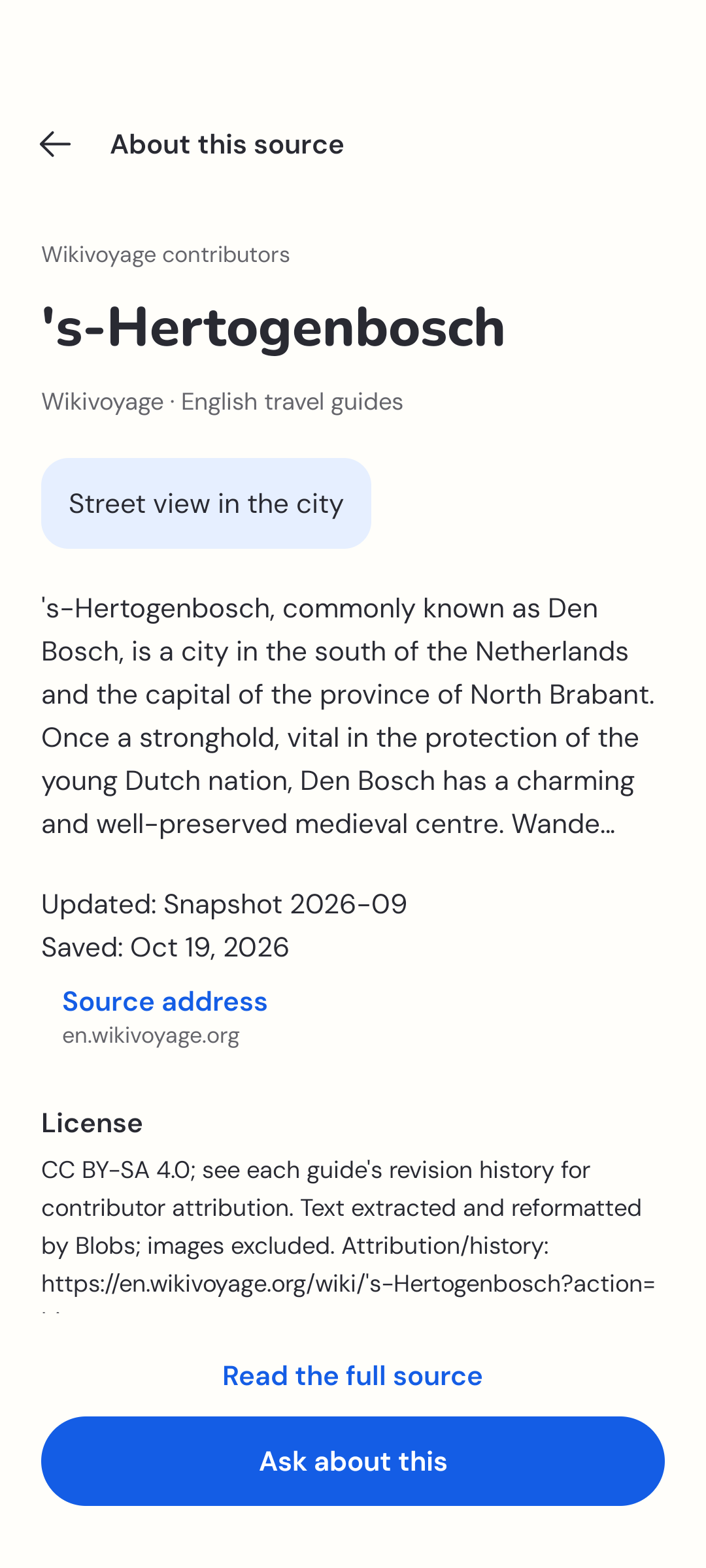
Learn about chat and citations. The source shown here is ’s-Hertogenbosch, from Wikivoyage, under CC BY-SA 4.0; its contributor history and source credits remain with the article.
A library you choose
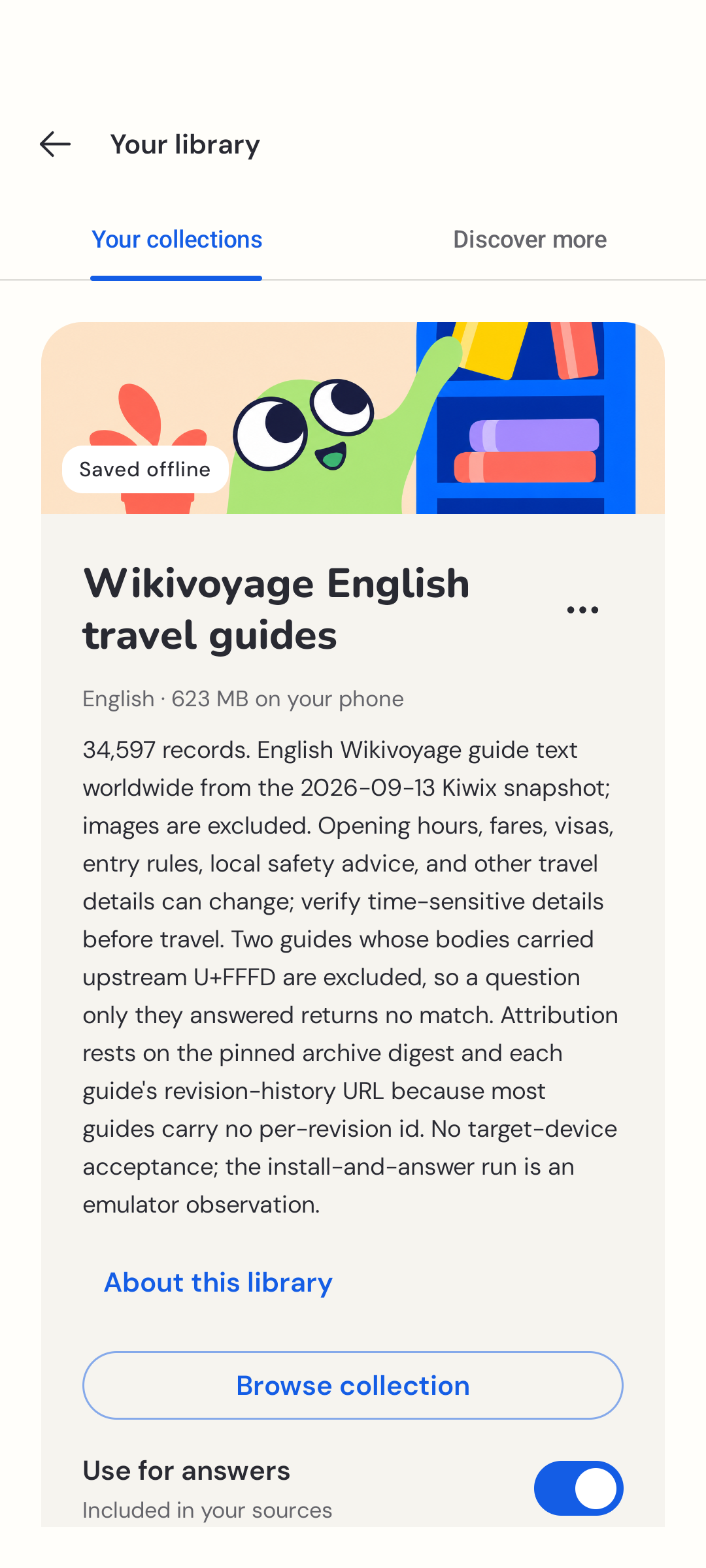
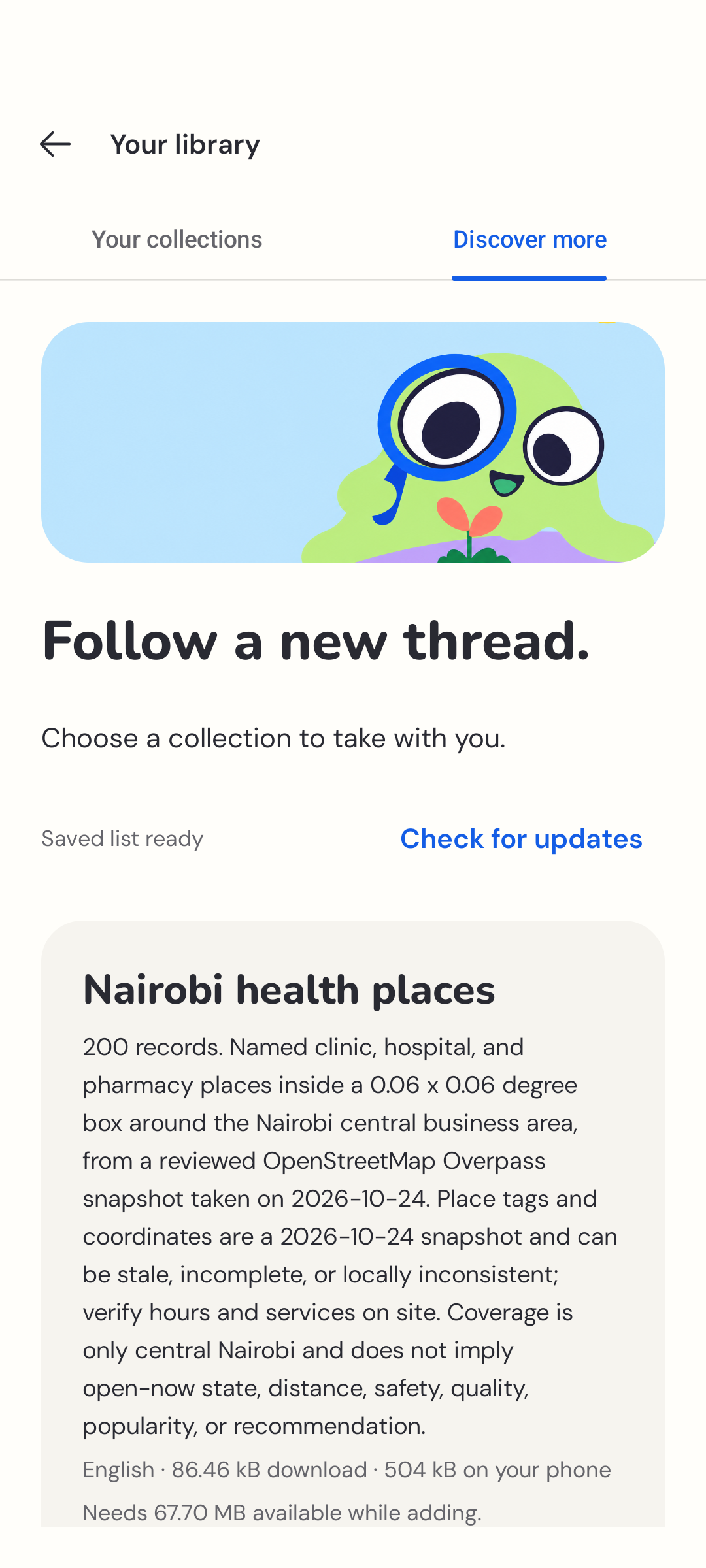
Your collections holds saved material. Discover more is where you find additional libraries. Read the contents, language, size, and source details before downloading.
Your phone, your preferences
Change models, follow Android’s text-size preferences, or choose an appearance that feels comfortable. Storage and conversation controls stay together in Settings.
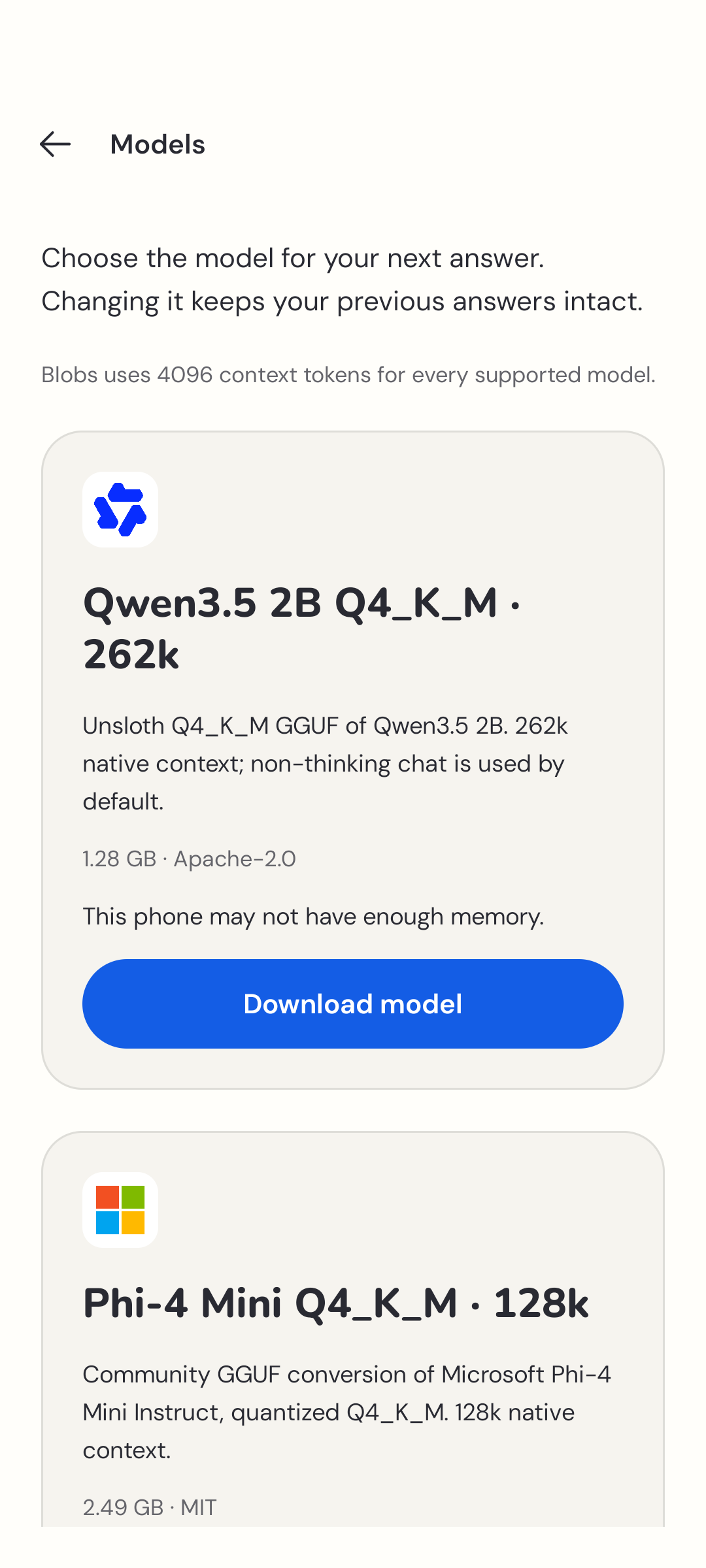
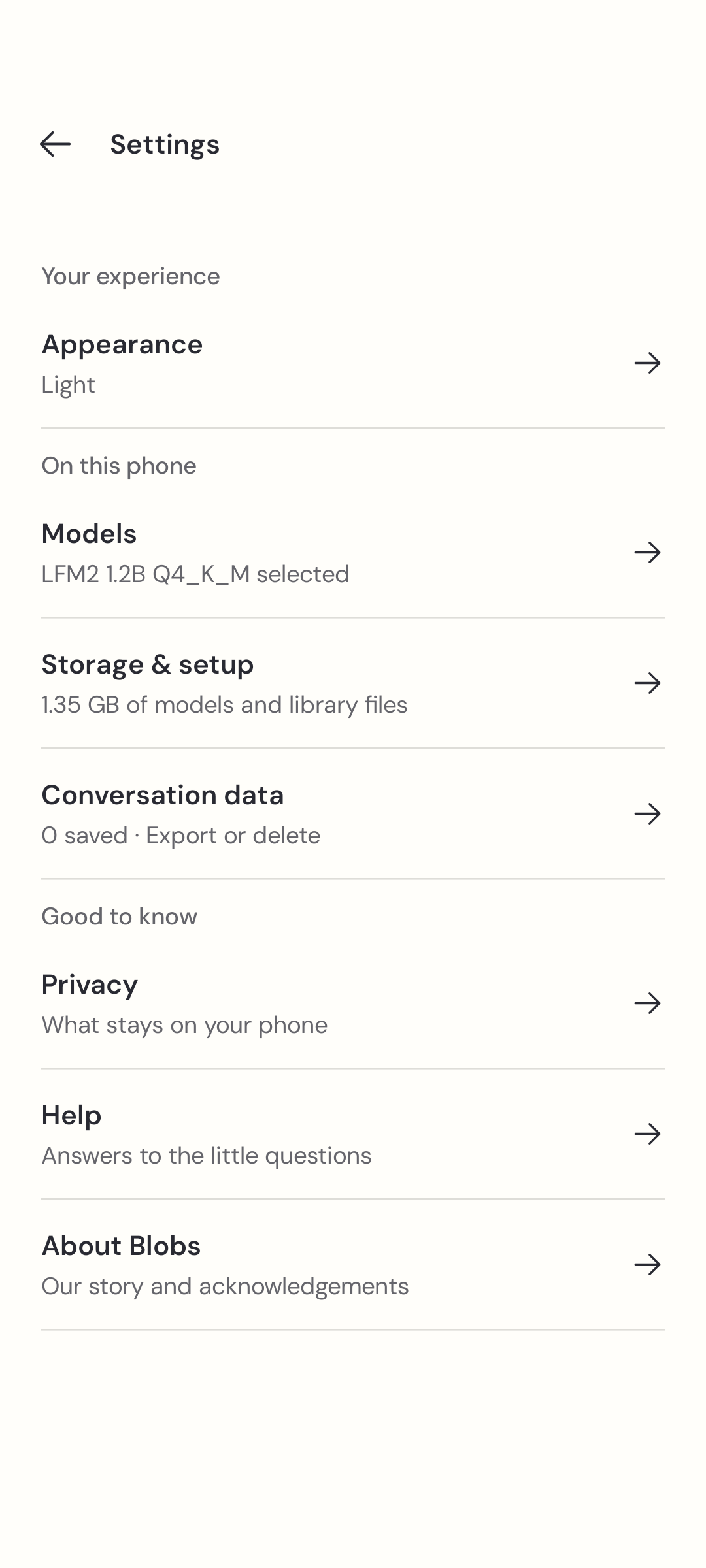
Read choosing a model or find a little help.