Chat and sources
Ask, follow a citation, and keep exploring.
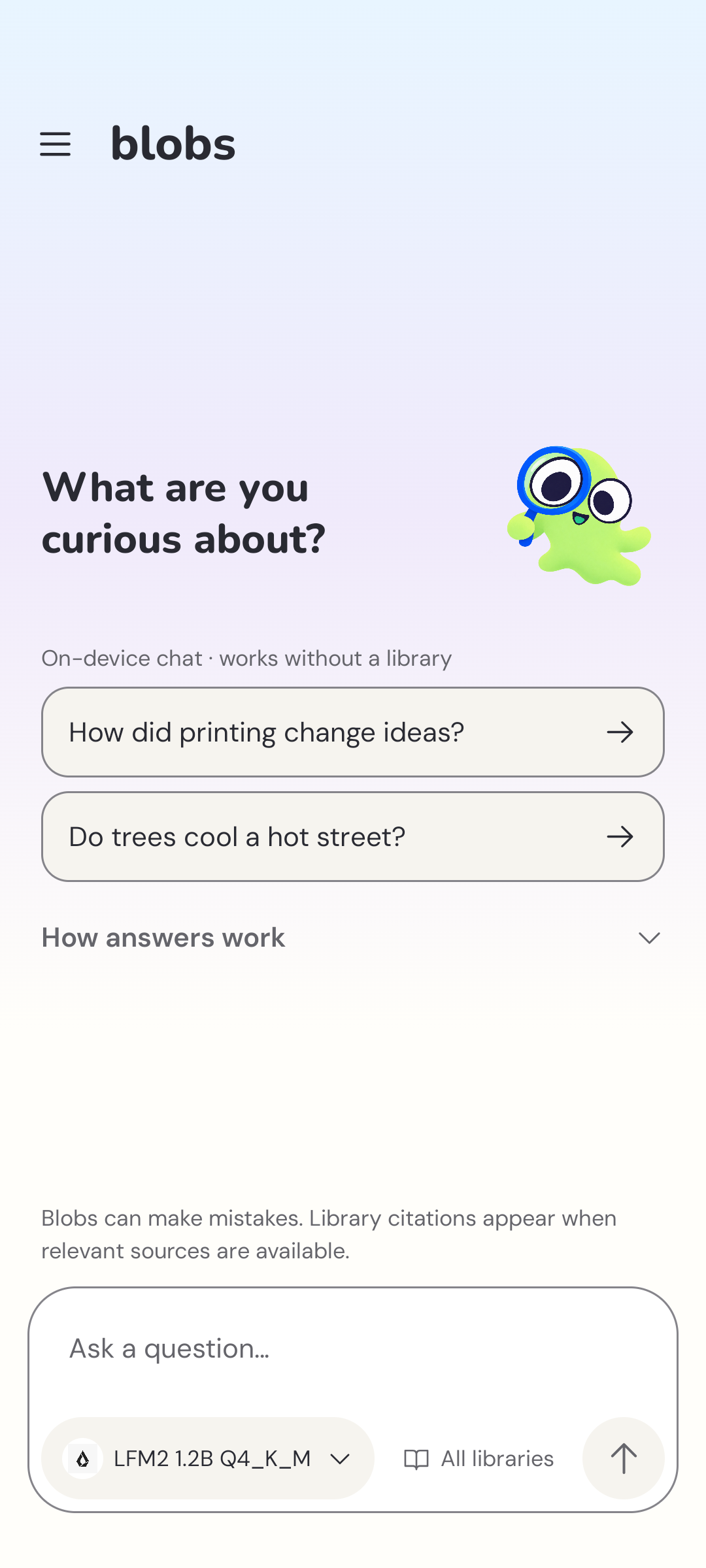
Ask a question
Write a question in the chat box and send it. Blobs sends one bounded library search and one on-device completion for each question. A library is optional, and a missing match does not block a reply.
Use Answer libraries to focus a conversation on particular enabled libraries. Disabled libraries stay saved but are left out of retrieval. Without a supporting passage, the reply comes from the model's knowledge and is not library-verified.
While a turn runs, Blobs reports the local step in progress: preparing the on-device model, searching libraries, reviewing passages, or writing the answer. These labels describe app activity, not a model reasoning trace.
When a search returns no passages, Blobs keeps a usable model answer and marks it as unverified against library sources. Choose libraries or search a wider scope to try again. After a reply, the collapsed source list shows cited passages, or related passages when the answer has no citations. Duplicate passages are grouped by their local identity.
Open a citation
Numbered references connect an answer to source passages. Tap a citation to open the passage and article inside Blobs. Read the surrounding text and attribution to understand what the source actually supports.
A citation is a way to inspect evidence, not a promise that every generated sentence is correct. A model can misunderstand a passage. Source dates also matter, particularly for travel arrangements and local guidance.
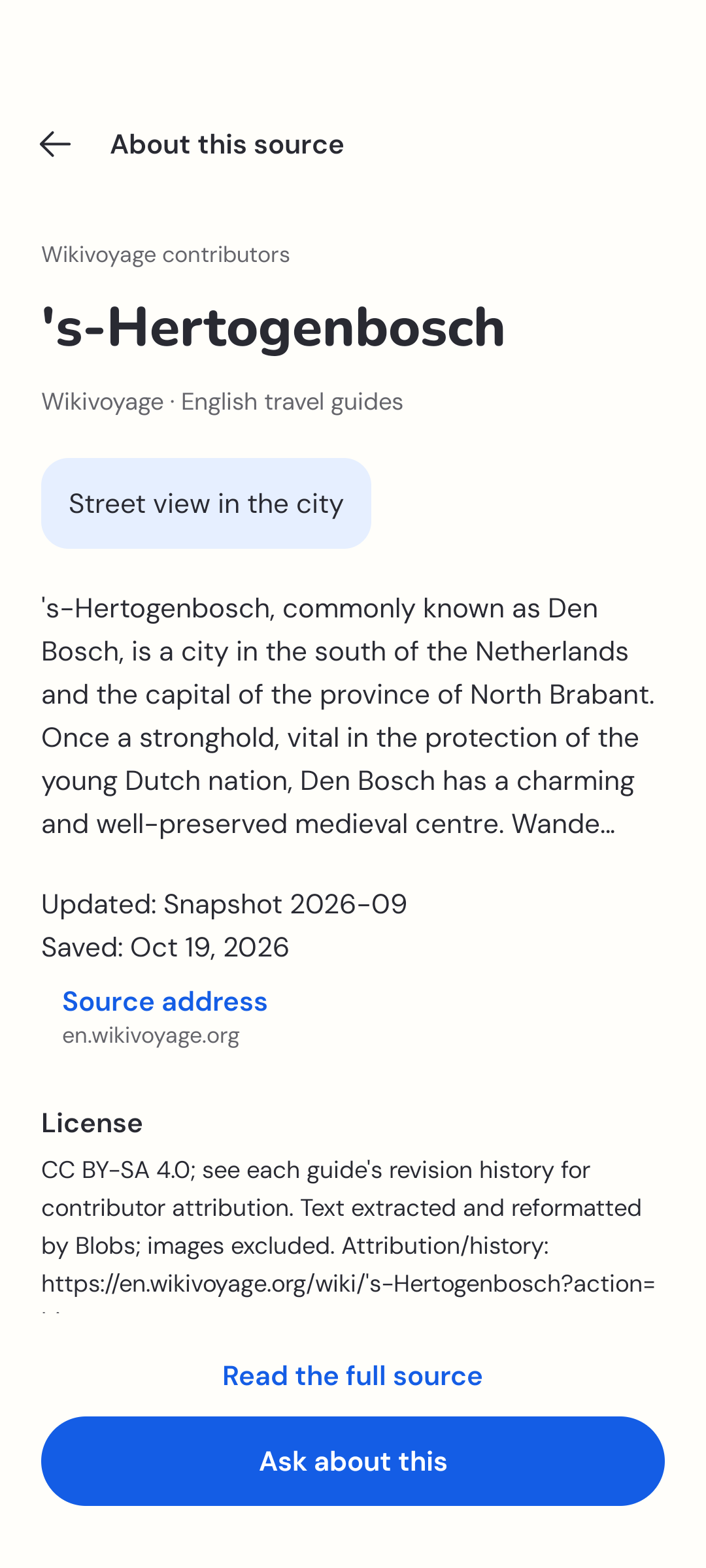
The source example is Amed on Wikivoyage, by Wikivoyage contributors under CC BY-SA 4.0.
If you want citations for a question, add a relevant library or document. Blobs uses installed assets only and cannot browse the web or check current events. See your library.
Stop a reply
Tap Stop while Blobs is replying. You don’t need to wait for a long response to finish before moving on.
Return to a conversation
Use the button at the top left to open full-screen conversation history. Select a conversation to continue it, or start a new chat for a different topic. The Blobs stores conversations and drafts in app-private storage.
Use the conversation’s available actions to rename, export, or delete it. Check an exported file before sharing: exports can contain your messages and source material.
Read without leaving
Library search, citation passages, and installed articles open from saved files in the app. An original-source web address is attribution; opening that website separately requires a connection and uses your browser.